

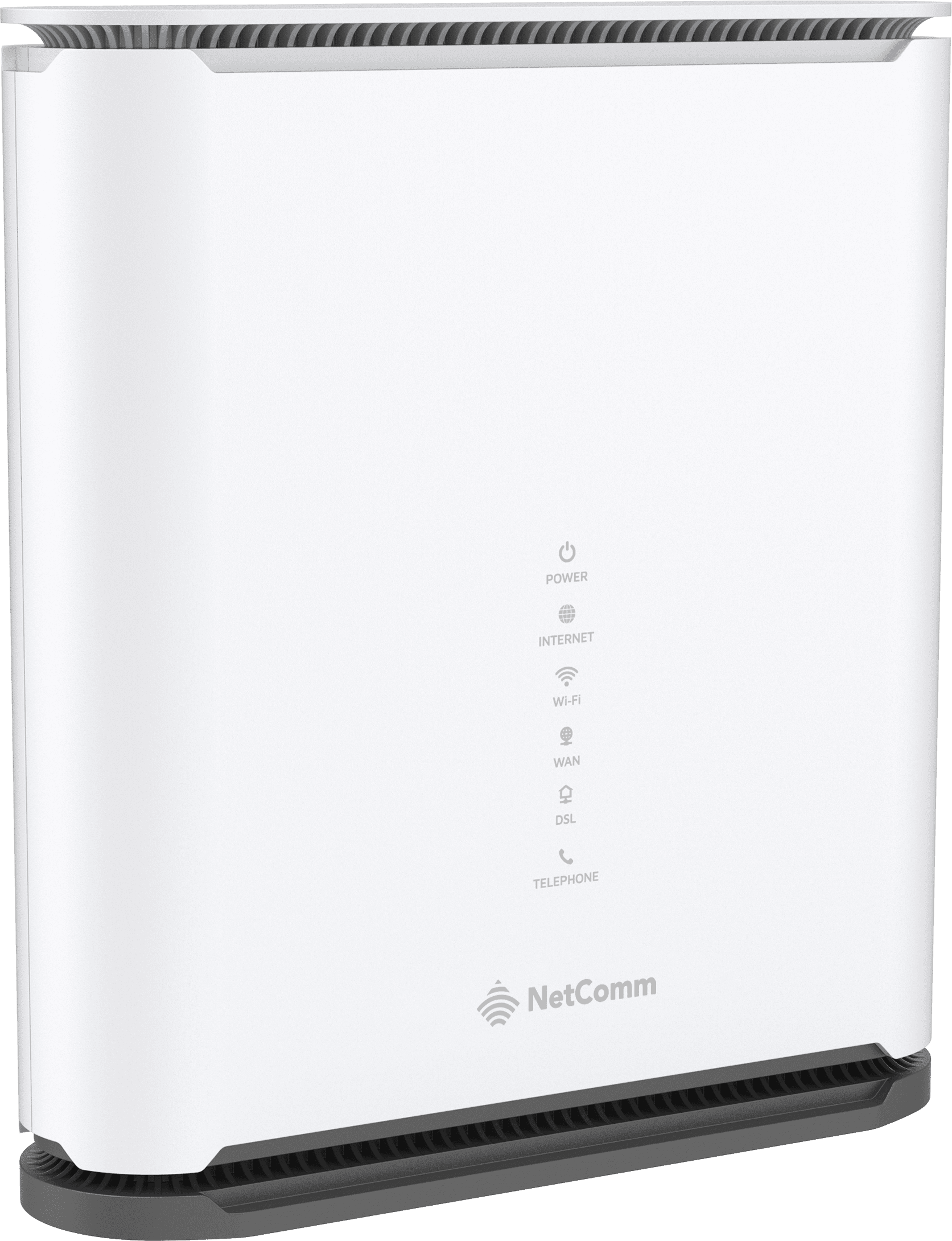
NetComm Gateways
Wi-Fi 7 + 2.5 GbENetComm NF71
A dual-band Wi-Fi 7 modem router with VDSL, voice and two 2.5 Gigabit Ethernet ports. Add compatible EasyMesh satellites for wider coverage.
- Dual-band Wi-Fi 7 (BE6400)
- One 2.5 GbE WAN/LAN + one 2.5 GbE LAN port
- Built-in VDSL2 modem and VoIP port
- EasyMesh expansion with NS71 satellites
- Aurora app setup and network management
$250.00 AUD · Single Unit
Contact Customer Care on Option 1 to confirm availability and delivery.
The Details
Technical Specifications
| Device Type | EasyMesh Wi-Fi 7 modem router / gateway |
|---|---|
| Wi-Fi Standard | Wi-Fi 7 (802.11be); BE6400 |
| Wireless Bands | 2.4 GHz (2×2) + 5 GHz (4×4); no 6 GHz radio |
| Published Radio Rates | 688 Mbps (2.4 GHz) + 5764 Mbps (5 GHz) |
| Wireless Features | 160 MHz channels, MLO, MU-MIMO, beamforming, guest Wi-Fi |
| Ethernet WAN/LAN | 1 × 2.5 GbE configurable WAN/LAN |
| Ethernet LAN | 1 × 2.5 GbE LAN |
| DSL | 1 × VDSL2 port; profiles through 35b; G.INP |
| Voice | 1 × RJ11 VoIP; SIP 2.0; G.711 / G.722 / G.723 / G.726 / G.729; T.38 fax |
| Mesh Expansion | EasyMesh Release 5; NS71 satellites (separate) |
| WAN Connection Modes | DHCP (IPoE), PPPoE, Static IP; bridge mode |
| Networking | IPv4 / IPv6, VLAN tagging, DDNS, port forwarding / triggering, VPN passthrough |
| Security | WPA2 / WPA3, SPI / NAT firewall, access controls, DoS prevention, domain / URL filters |
| Management | Aurora (iOS / Android), browser interface, TR-069 / TR-369, firmware updates |
| Power | 12 V DC / 2 A |
| Dimensions | 190 (W) × 206 (H) × 50 (D) mm |
| Weight | 800 g |
| Operating Conditions | 0–40°C; 10–95% humidity, non-condensing |
| Compliance | RCM; NZ Telepermit |
Connection Setup
Use the built-in VDSL modem for NBN FTTN or FTTB. For FTTP, FTTC, HFC or Fixed Wireless, connect the Ethernet WAN port to the NBN connection equipment. Keep any required NBN equipment in place.
Carbon NBN Plans, ABB Direct NBN Plans and OptiComm use IPoE (Automatic IP / DHCP). Neoloop uses PPPoE with the username and password emailed on activation. A Static IP service does not mean you should enter a manual WAN address.
Read the Network Configuration Statement
Good to Know
Wi-Fi 7 does not automatically mean 6 GHz: this model uses 2.4 GHz and 5 GHz only. Multi-link features require compatible devices and firmware.
The 2.5 GbE ports make it a better fit than a Gigabit-only gateway for multi-gigabit services, but actual throughput and speed-tier suitability should be confirmed for your connection. There is no integrated cellular modem.
Advertised wireless figures are theoretical radio rates, not guaranteed internet or single-device speeds. Actual performance depends on the service, connected devices, placement, interference and building materials. Satellites and voice or mobile services are separate unless explicitly included in your order.
Technical support is by phone only: 1800 10 10 50, Option 3. Technical support is not provided over chat or email.
Manufacturer Information
- Official NF71 Product Information (opens in a new tab)
- NF71 Downloads & Manuals (opens in a new tab)
- Full NF71 Spec Sheet (PDF) (opens in a new tab)
Manufacturer specifications checked 8 October 2026. Specifications and firmware features may change; check with us before upgrading ISP-supplied firmware.